To view historically, users that have been logged into the web application click on the 'Historical Logins' sub menu link under the User Logins sub menu.
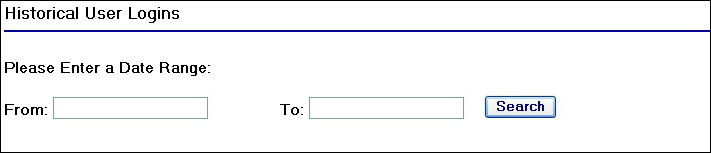
Historical User Logins Page
To begin you will need to enter in a date range to perform a search for users that were logged in during that date range.
Enter in a start date in the 'From' field and an end date in the 'To' field.
Once you have entered in the date range click on the  button.
This will return a table of results displaying the users that were logged in during the date range you have entered.

Historical User Logins Search