This document details how to use the TMS2 extranet for administering the TMS2 web application.
To start using this document click on the  icon in the contents navigation pane to the left of the screen against the heading you are interested in. When expanding these sections you will be presented with a number of sub topics represented by the
 icon. Clicking on this icon will take you to the relevant sub topic page. If at any time you wish to close a topic section then simply click on the
  icon to collapse the section in view.
An index page to this help document can be found at the top of the left hand navigation pane as shown in the screen shot below:
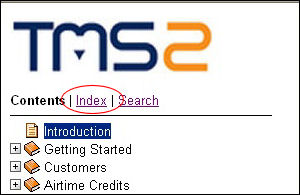
Link to Index Page
On clicking the Index link a new page will appear which will list in alphabetical order keywords to information contained within this help document.
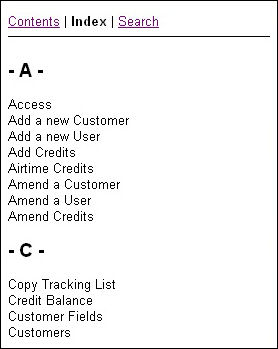
The Index Page
You can then click on the keyword that you are interested in to navigate to the page containing the related information.
One other useful page is the Search page, which again can be accessed from the top of the contents pane.
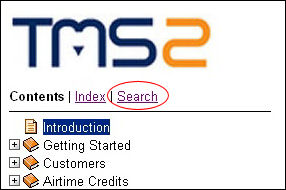
Link to Search Page
Once you click on the 'Search' link a new page will appear where you can then search for extranet related information you are interested in.
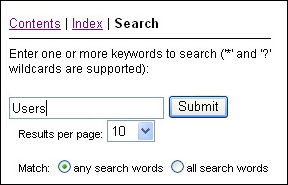
Search Page Example
For example searching for documents containing the word 'Users' returns a number of links to pages in this help document. Clicking on any of these links will take you to the associated page.
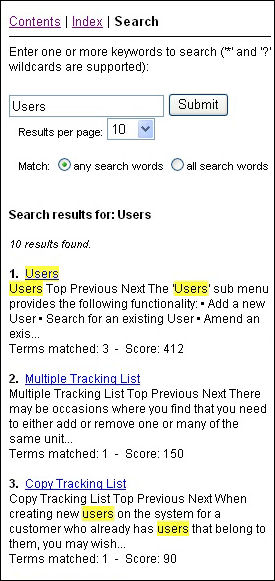
Search Page Results