To amend an existing depot for a particular customer click on the 'Amend Depot' sub menu link under the Depots menu.
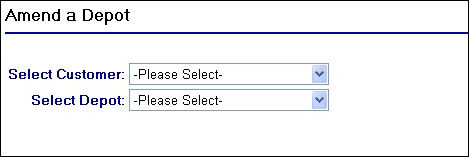
Amend Depot Page
Once the page has loaded you will be required to select the customer and then the depot to amend from the drop down fields as shown in the screen shot above.
On making your depot selection two more fields will appear along with a button as follows:
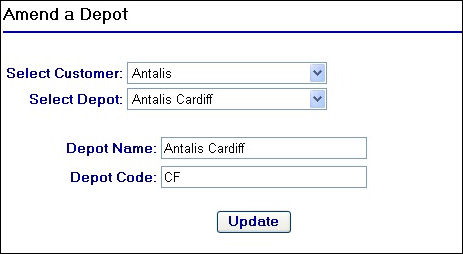
Depot Code and Name fields
As you will see, the Depot Code and Depot Name fields that are present on the Add Depot page are now displayed.
To update the depot details, amend the field(s) that require attention.
For example lets say we were to change the Antalis Cardiff depot to the following:
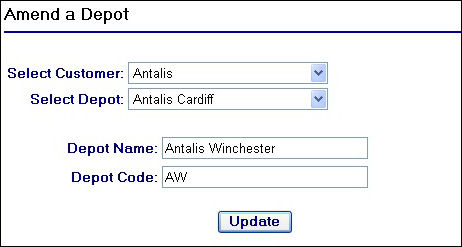
Amending Depot Details
Clicking on the  button will generate the following confirmation message:
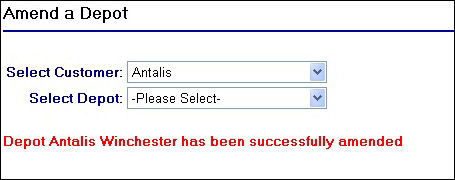
Confirmation of amendment
If you attempt to update a depots details but without actually changing the Depot Name and Depot Code fields, the following message will be displayed:
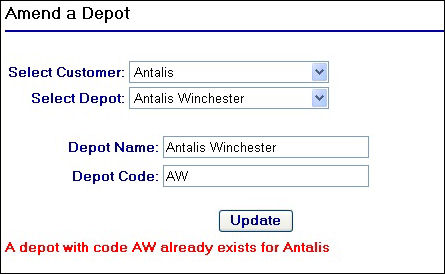
Amending an already existing depot