On successful login you will then be directed to the homepage of the extranet application as shown below.
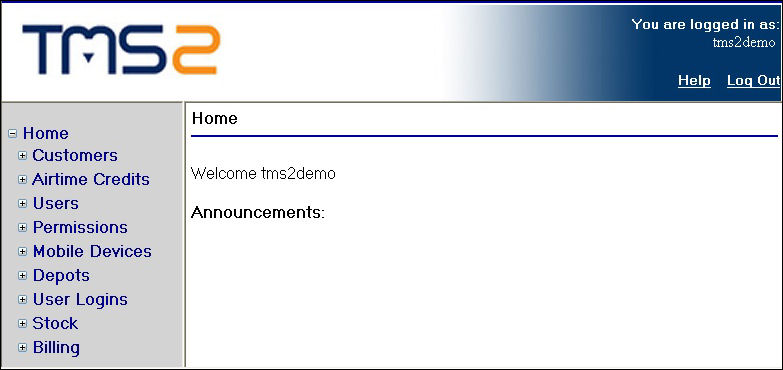
Home Page
The home page consists of a frameset that contains a top banner containing the main logo and login information to the right, a navigation frame containing a menu on the left and a content frame to the right of the navigation frame which will display the pages that interact with the database.
Should you wish to return to the home page at any point when navigating around the extranet, you can simply click on the ‘Home’ link in the menu to return to the screen above.