As was discussed in the previous page you can create profiles of common permissions which can then be used to apply to user accounts that should all have the same set of permissions applied.
After creating a profile you can change the permissions that are contained within that profile name by using the 'Manage Profiles' page.
To start using this page, select the name of the profile you wish to edit.
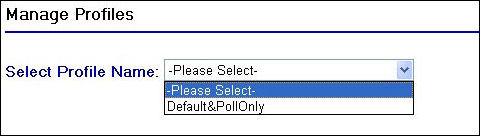
Select Profile Name drop down
This will then generate and display the permissions check box grid that you will already be familiar, checking the boxes of the permissions that belong to the profile name selected.
Next you will need to edit the permissions belonging to the profile name by checking and de-checking the relevant permissions.
To update the profile name click on the  button.
A confirmation message will then appear at the top of the screen to indicate that the profile name has been updated.

Profile Name update confirmation