To find and print a billing statement click on the 'Statements' sub menu link under the Billing sub menu.
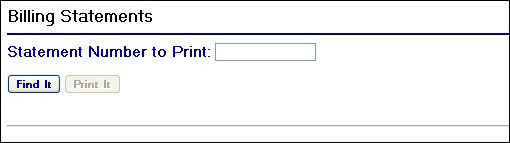
Billing Statements Page
To find a statement, enter in the statement number in the text box and click the  button.
For example:
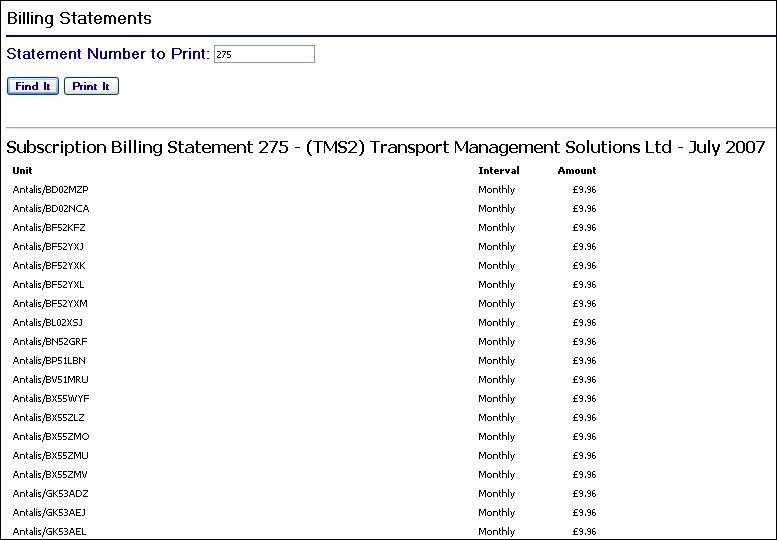
Billing Statement Example
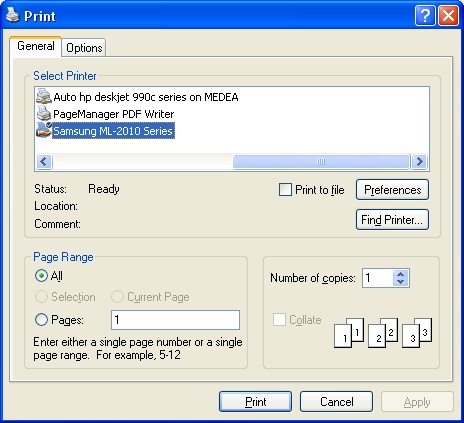
To print off the statement, click on the  button. This will launch a print dialog window from which you can select the printer and any printing preferences you require.