If at any point you need to amend the subscription details stored against one or many devices for a particular, you could amend these details in the Amend a Device page on a per unit basis. However the Amend Subs Details page allows a simpler method for amending a batch of unit is one action.
When clicking on the 'Amend Sub Details' sub menu link under the Billing menu the following screen appears:
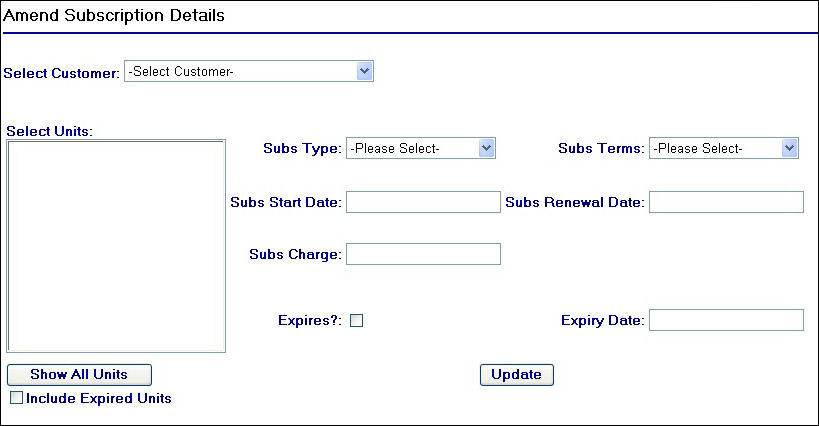
Amend Subscription Details Page
To begin using this page, you will need to select the customer for which the units you wish to amend belong to. When selecting the customer, the 'Select Units' list box will populate with the relevant units.
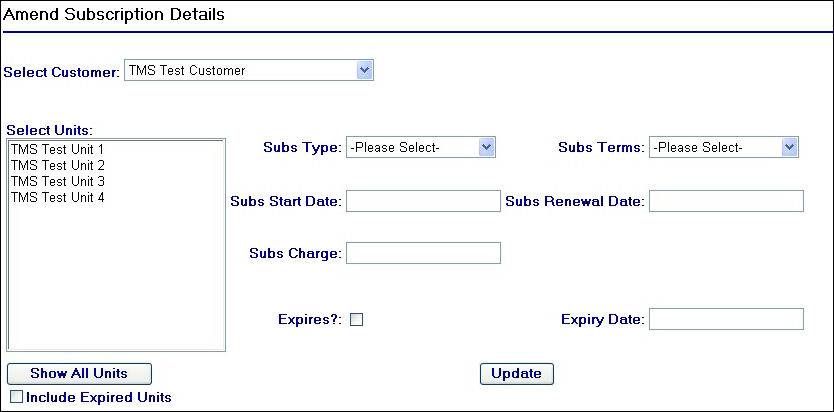
Selecting a Customer
Once the units have populated you will need to select those that you wish to amend by using the control key and single clicking your mouse button to select multiple units. You can also use the  button to display units from all customers, and you can also use the
  checkbox to display expired and non-expired units if required.
After making the selections, proceed by completing the subscription details fields:
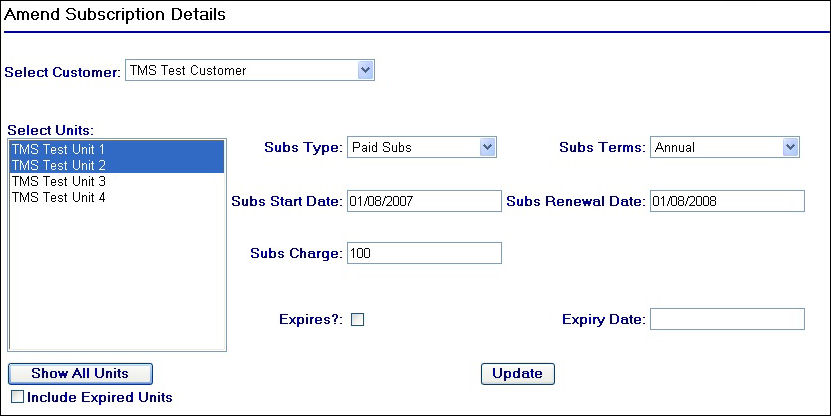
Entering Subscription Details
Click on the  button to amend the selected units. A confirmation message will appear at the bottom of the screen:
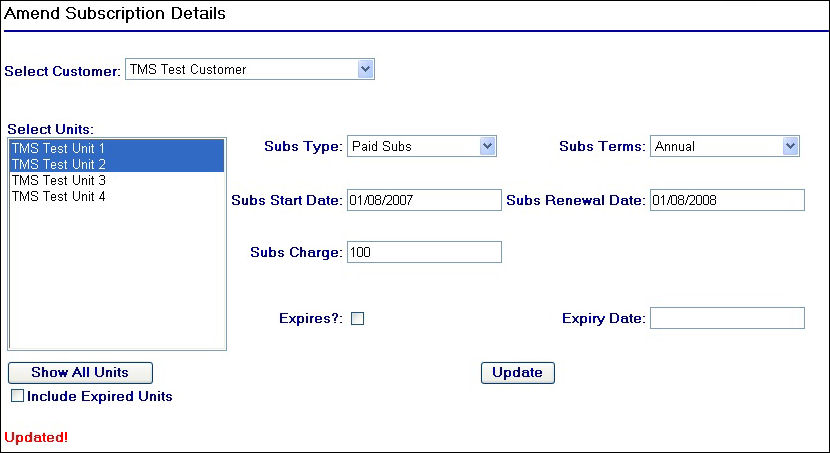
Confirmation of Update
In addition to amending the subscription details for a unit you can also expire a batch of units too, for example in the event of a customer ending a trial.
To expire selected units, leave the subscription fields blank and check the  check box and enter in an expiry date, then click on the button to complete the action.