To search for an existing device click on the 'Search' sub menu under the main Mobile Devices menu. You will then be navigated to a search page as shown in the image below:
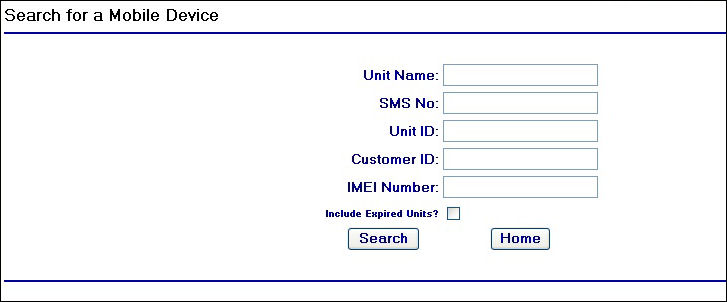
Mobile Device Search Page
To start searching simply enter in the search criteria into the relevant field and click on the  button.
After the search is completed a results grid will display on the page. For example searching for devices with the text '686 MDX' in the Unit Name field produces the following results:

Mobile Device Search Results
To select the mobile device record you are interested in, simply hover over the row you wish to select and click once. This will then navigate you to the unit record in an edit mode (see Amend a Device help page)
If no results are found in the search the following results screen is displayed:

No results found screen
Exporting Results to Excel
You will also see an  button, which when clicked will launch a file download prompt screen where you can choose to either open or save the Excel file produced by clicking the button:
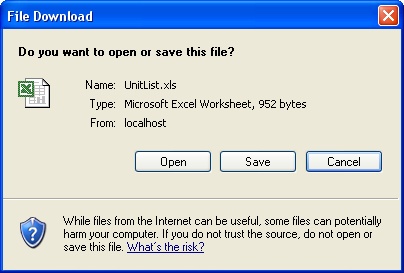
File Download Prompt