To assign depots to a particular user click on the 'User Depots' sub menu link under the Depots menu.
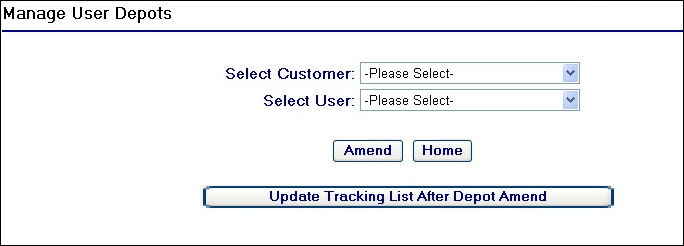
Manage User Depots Page
To start using this page, you will need to begin by selecting the customer that the user belongs to and then in turn the user you wish to manage depots for from the selection drop downs at the top of the screen.
As soon as you select the customer from the 'Select Customer' drop down field, provided that customer has depots created (see Add Depot help page), a depot check box grid will populate on the screen. For example selecting the customer Antalis produces the following:
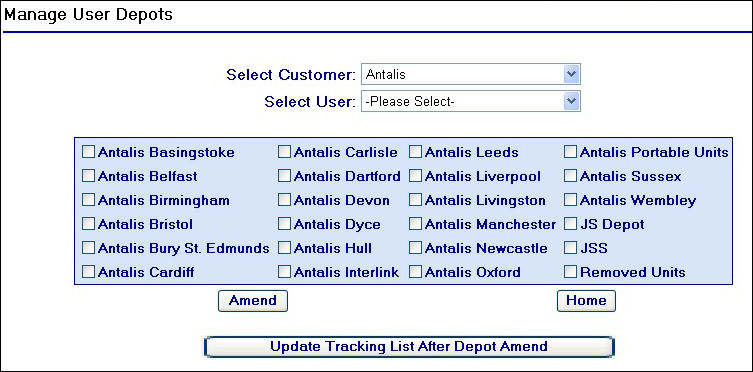
Antalis Depot Example
After selecting the customer, you will then need to select the user you wish to amend. In doing this the check box list will update and display any depots that are currently assigned to that user by checking the relevant boxes.
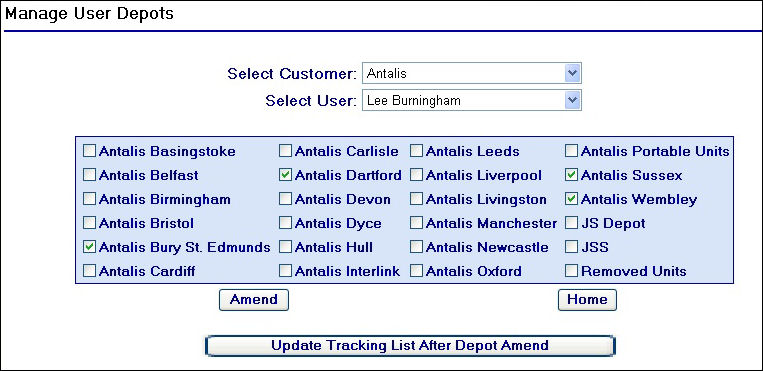
Selecting an Antalis user
As you can see in the example above, the user Lee Burningham has four depots currently assigned to him.
To update the depots for a user, simply check and un-check the depots for the user and then click on the  button. The page will refresh, displaying the same fields and the checked and un-checked depot check boxes. This means the depots have now been assigned to the user, however they will then need their vehicle tracking list rebuilt to reflect the vehicles from the new depot assignment.
To update the user's tracking list, click on the  button.
A confirmation message will then appear below this button:
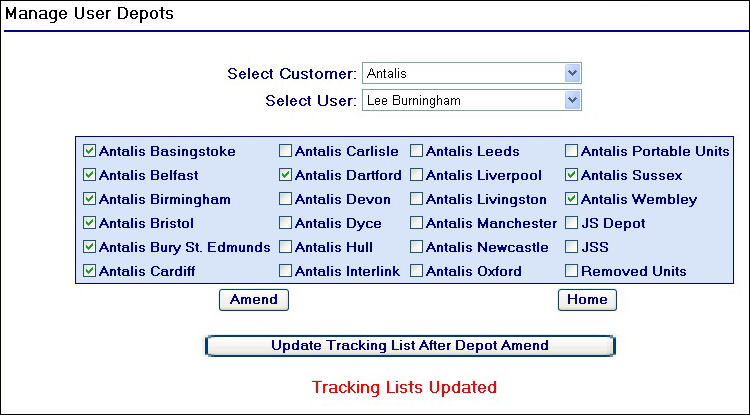
Tracking Lists Updated Message
Updating more than one users depot assignments
So far, updating one user's depot assignment has been covered.
You can amend multiple users' depot assignments by performing the following actions:
| 1. | Select the user |
| 2. | Select and de-select the relevant depots for that user |
| 3. | Click on the button |
| 4. | Repeat steps 1-3 above for each user you wish to amend |
| 5. | Click on the button |
| 6. | This will perform a bulk tracking list update for all users who have the 'Tracking list managed from depots' and 'Unit groups derived from depot names' checkbox fields checked against their user details on the system |