The 'Users' sub menu provides the following functionality:
To access these user functions simply expand the 'Users' sub menu by clicking the  button, this reveals the sub menu items within the Users sub menu as shown in the image below:
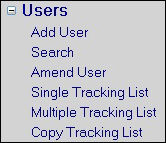
Users menu expanded